



SPECIFICATIONS
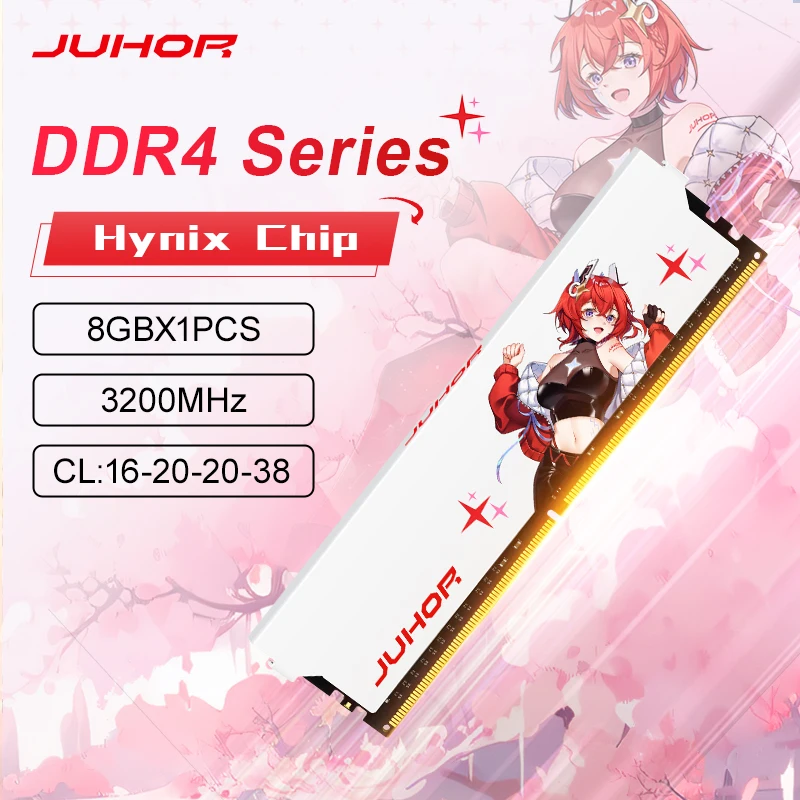
Memória RAM JUHOR 8GB DDR4 3200MHz — Alta Performance para o seu PC Gamer
A Memória RAM JUHOR 8GB DDR4 3200MHz CL16 é a escolha ideal para quem busca extrair o máximo de velocidade e estabilidade em jogos, softwares de edição e multitarefas pesadas. Certamente, operando na frequência de 3200MHz com uma latência otimizada CL16, ela garante um fluxo de dados rápido e sem gargalos, permitindo que o processador e a placa de vídeo trabalhem com total liberdade.
Além disso, seu design moderno com dissipador de calor eficiente garante temperaturas baixas mesmo durante sessões intensas de jogatina. Por isso, é o componente perfeito para quem está montando um PC do zero ou quer fazer um upgrade certeiro na plataforma DDR4 sem gastar uma fortuna.
🌟 Principais Destaques do Produto
-
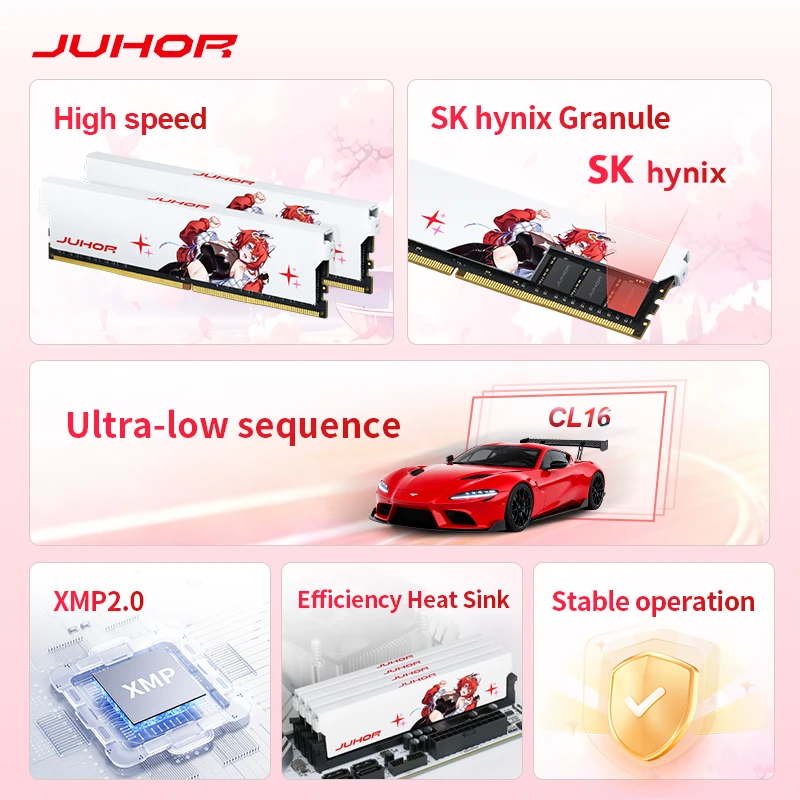
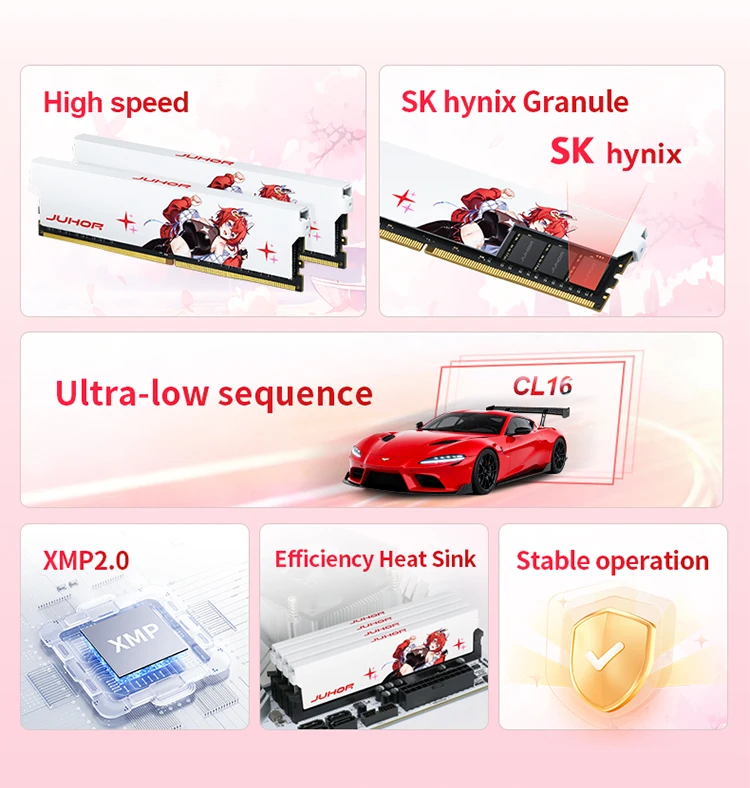
Alta Frequência (3200MHz): Taxa de transferência veloz que acelera o carregamento de jogos e a resposta do sistema operacional, além de extrair mais desempenho de processadores AMD e Intel.
-
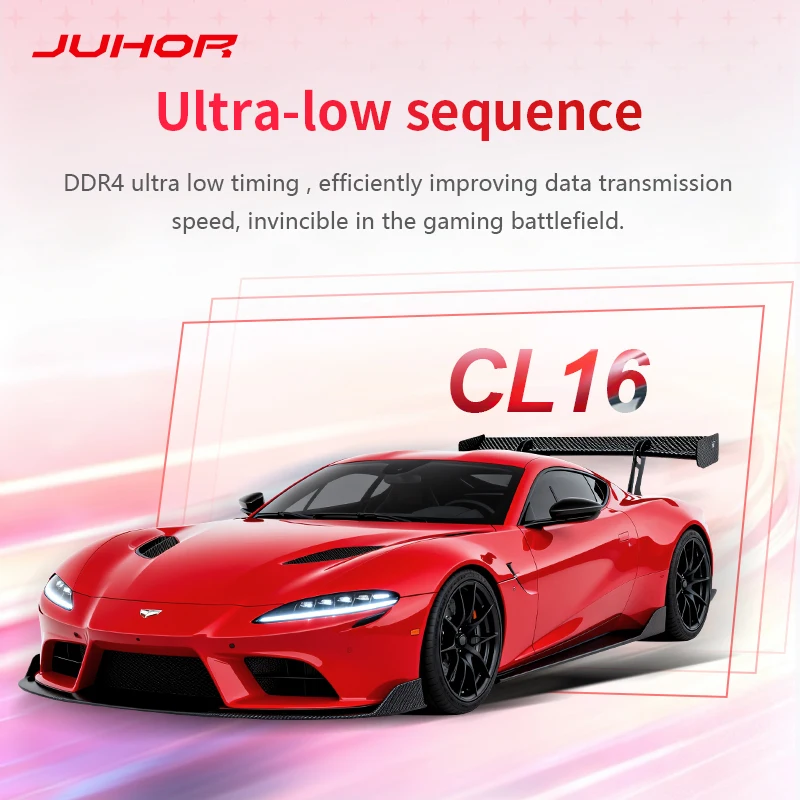
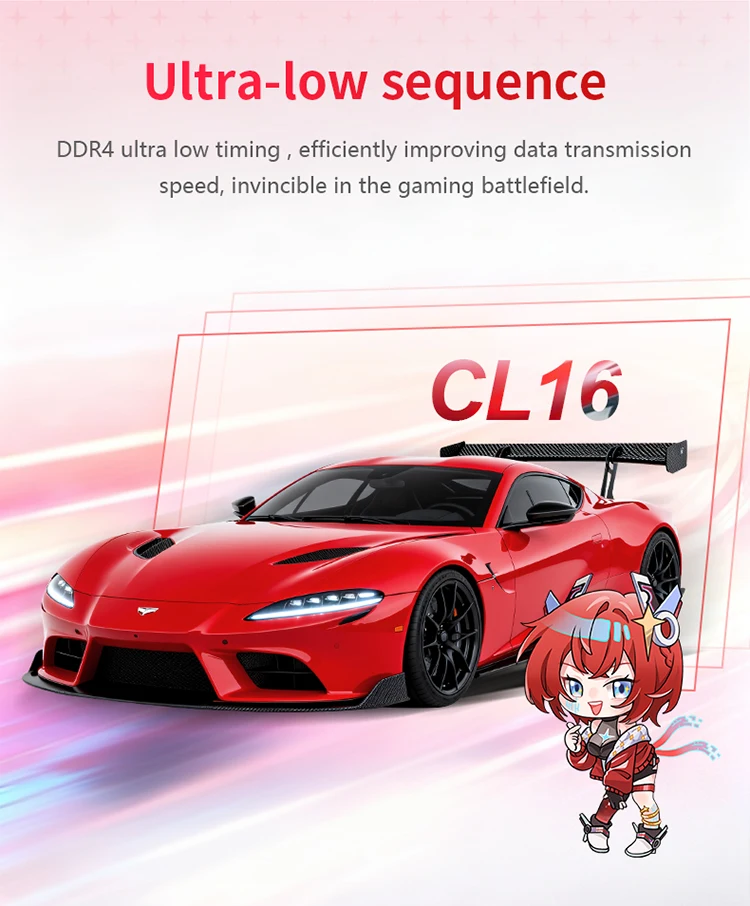
Baixa Latência (CL16): Resposta ágil na execução de comandos e processamento de dados, visto que garante maior estabilidade em frames por segundo (FPS).
-
Dissipador de Calor Eficiente: Estrutura projetada para dispersar o calor rapidamente, com o propósito de manter a estabilidade da memória sob uso prolongado.
-
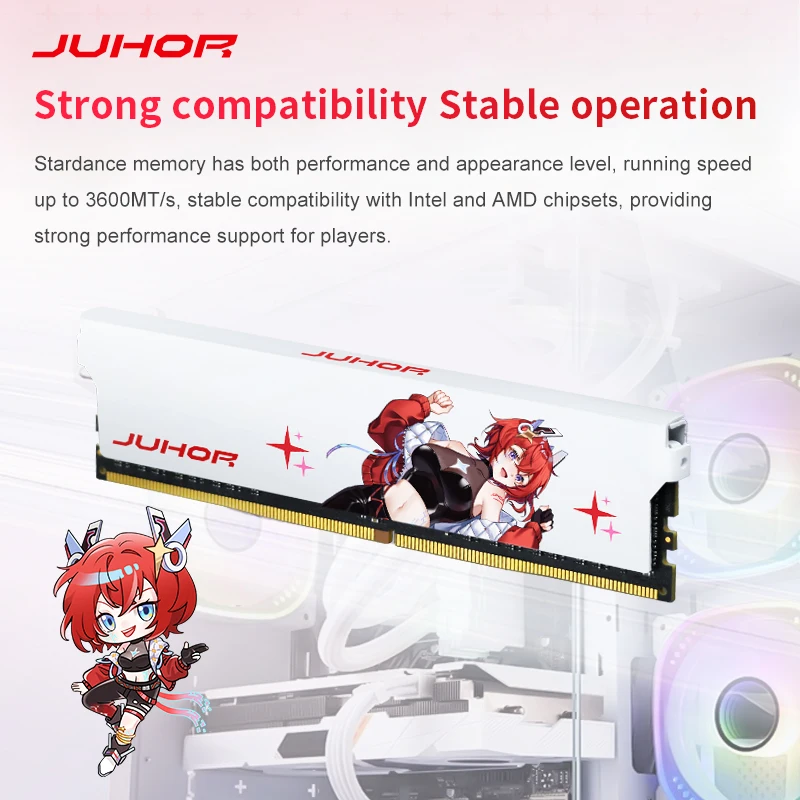
Compatibilidade Ampla (DIMM): Desenvolvida para placas-mãe de desktop com suporte a DDR4, portanto encaixando perfeitamente na maioria dos setups modernos.
-
Fácil Instalação (Plug and Play): Reconhecimento automático e compatibilidade com perfis de overclock (XMP), consequentemente facilitando a ativação da velocidade máxima na BIOS.
-
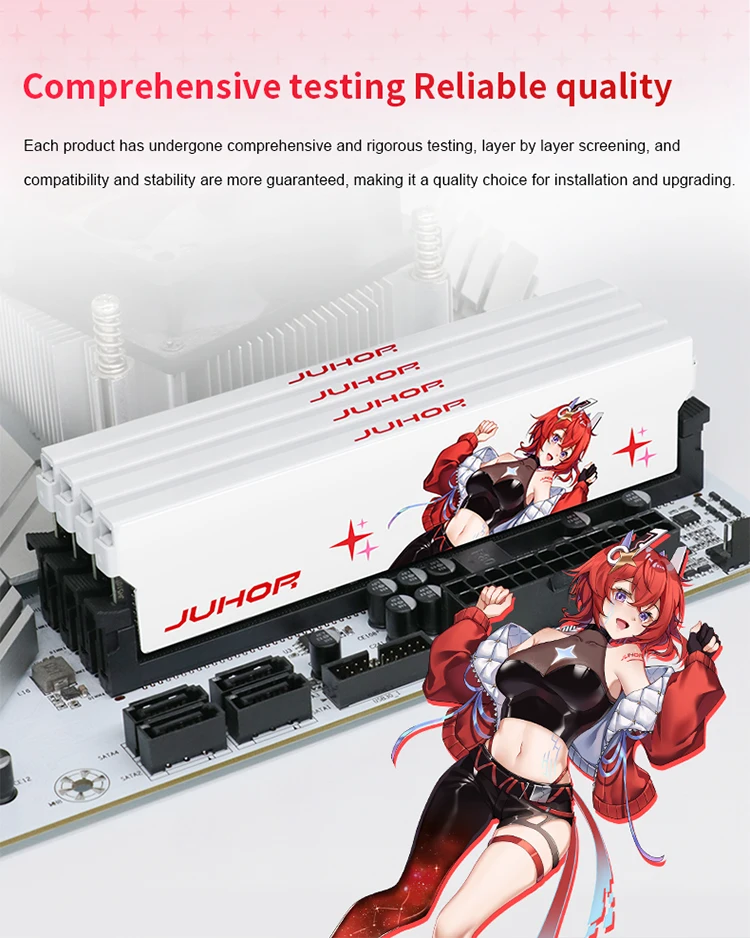
Confiabilidade e Durabilidade: Construída com componentes de alta qualidade, dessa forma assegurando longa vida útil e segurança para seus dados.
⚙️ Especificações Técnicas de Destaque
-
Marca: JUHOR
-
Tipo de Memória: DDR4
-
Capacidade: 8GB
-
Frequência: 3200MHz
-
Latência CAS: CL16
-
Fator de Forma: DIMM (Para Computadores Desktop)
-
Aplicação: PCs Gamers e Estações de Trabalho
📦 Conteúdo da Embalagem
-
01 Pente de Memória RAM JUHOR 8GB DDR4 3200MHz CL16

Why is my BIOS or diagnostic program (CPU-Z) showing that my memory is running at half the frequency?
The BIOS or diagnostic program usually reports the memory bus frequency, which is half of the frequency for DDR type memory. DDR (Double Data Rate) data rate provides twice the memory bus frequency. Therefore, if the memory bus speed is 1600MHz and you are using DDR4-3200 memory, the RAM is running at the correct speed.
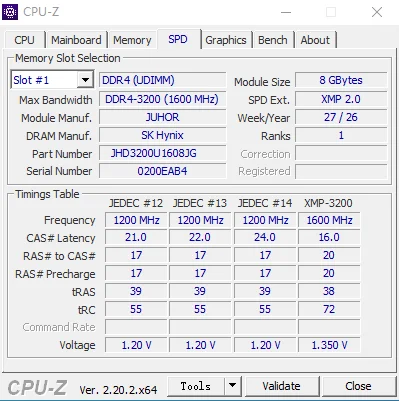
Please download the latest version of BIOS and other software. If you are using an older version, there may be data discrepancies. If you have any questions, please our online customer service promptly.


After-sales service is not provided in the following cases:
1. Product appearance damage caused by natural disasters, accidents, force majeure events, or poor storage conditions; 2. Malfunctions not attributable to the product itself due to improper human operation (e.g., use beyond the designed scope, use as fixtures, or for insertion/removal testing) or improper installation (e.g., plugging/unplugging while powered on, powering on without proper installation, or use on equipment incompatible with Jiuhe product specifications);
3. IC chip damage, scratches, or detachment;
4. PCB circuit board damage, scratches, or fractures;
5. Damage or detachment of internal components such as capacitors, resistors, or resistance grids due to external forces; 6. Failure to power on caused by EPROM damage; 7. Damage or alteration of original labels or anti-counterfeiting labels, or unauthorized removal/damage of heat sinks; 8. Memory damage resulting from improper disassembly/assembly, unauthorized repairs, or unauthorized modification of memory SPD parameters.
Memory Purchase Tip
1. Due to varying factory batches, PCB boards of the same model may differ in color and width. However, all memory products maintain identical quality and compatibility—use them with confidence.
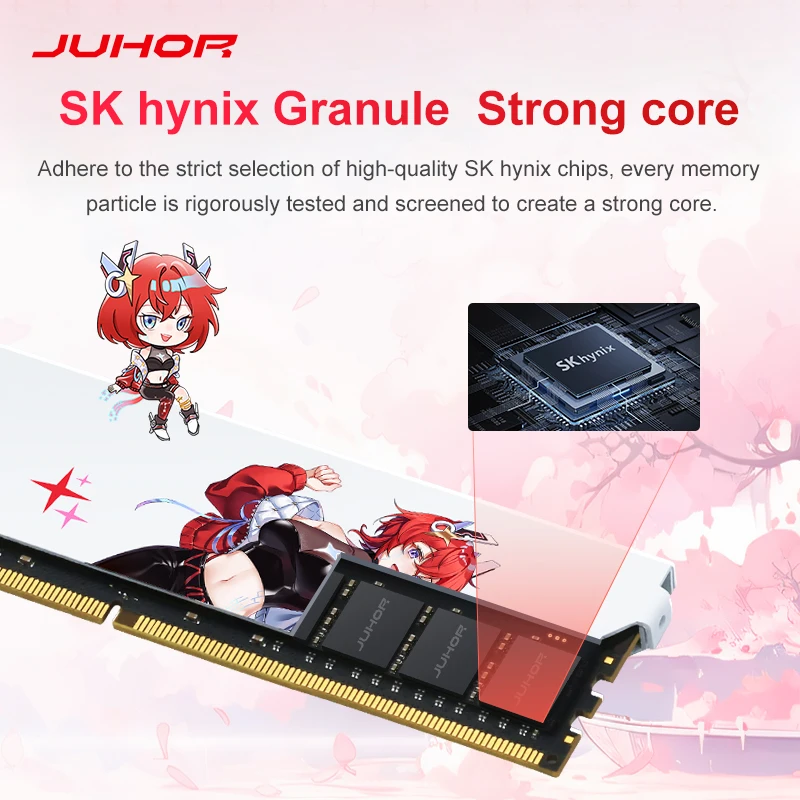
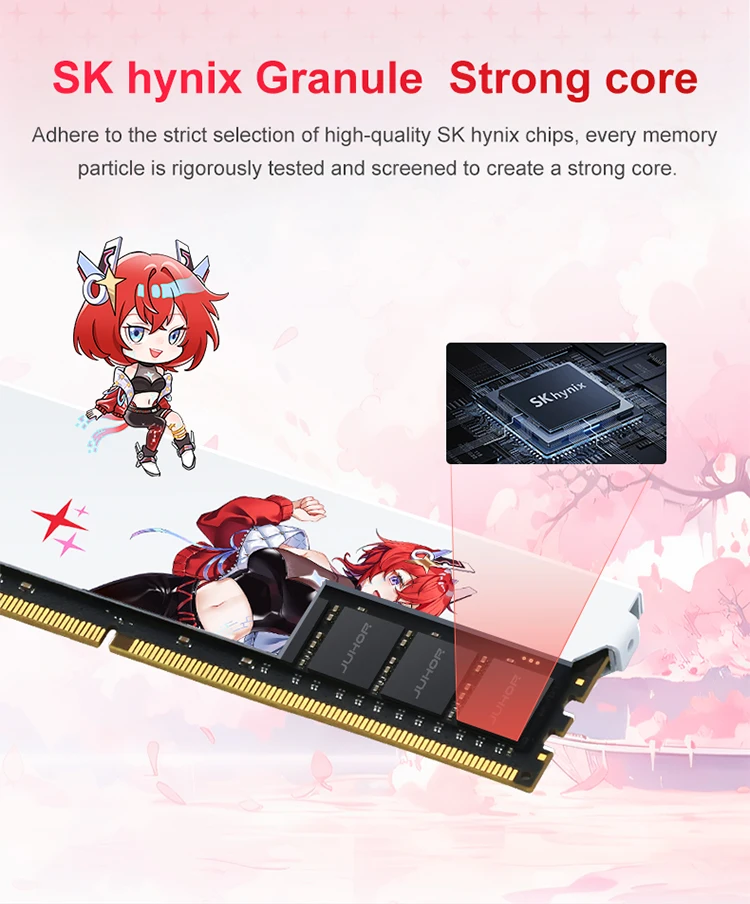
2. The manufacturer of the JUHOR memory module does not produce memory chips itself. Depending on the production batch, different chip types (e.g., Samsung, Micron, Hynix, South Asia Yisheng, Elpida), chip counts (4P/8P/16P), or chip orientations (single-sided/double-sided) may be used. Each chip undergoes rigorous testing to ensure compatibility and stability—rest assured when making your purchase.
3. After installing memory modules, use CPU-Z to check their actual operating frequency. If the computer fails to operate at the rated frequency, verify the following: whether other hardware supports the purchased frequency; whether multiple memory modules with different frequencies are used together (high-frequency modules automatically synchronize with low-frequency ones); and whether the memory XMP setting is enabled. For further assistance, contact your store’s customer service.
4. For desktop memory modules exceeding 3000 MHz, they require compatible motherboards and processors to fully utilize their overclocking potential. Before purchasing, verify whether your current motherboard and processor support the desired memory specifications. The BIOS interface displays “XMP” or “DOCP” as the overclocking designation; without XMP enabled, the system operates at the default frequency of 2666 MHz, while enabling XMP via a single click delivers the officially guaranteed overclock speed.
5. The rated overclocking frequency is the maximum frequency; do not exceed the product’s design limits.
6. The transmission speed of dual-channel configuration is nearly twice that of single-channel, delivering significantly better performance. Dual-channel operation requires no additional setup; simply insert the memory modules into the designated slots to enable dual-channel functionality. Generally, a motherboard with two memory slots operates in dual-channel mode when both modules are installed; for motherboards with four or eight slots, dual-channel configuration requires placing both modules in slots of the same color. Specific requirements may vary depending on motherboard design by manufacturer; refer to the official documentation for details.
7. For systems with a total installed memory capacity of ≥4 GB, use a 64-bit operating system.
8. Regarding insertion marks: To ensure the performance and quality of JUHOR products, all items undergo comprehensive machine testing before shipment, resulting in slight insertion marks on each product’s gold fingers. These marks do not affect functionality or after-sales service; please use them with confidence.

Avaliações
Não há avaliações ainda.